Overview:
The Inventory Book report in N3 AI Accounting displays inventory records, including stock codes, stock names, stock dates, unit costs, and units. Users can generate the report for a selected period, apply filters, and choose the applicable report format to review inventory records.
The Inventory Book can also be exported to a TXT file for BIR submission, subject to applicable BIR requirements and the business's compliance with those requirements.
Scenario:
A business needs to review its inventory accounting records for a selected reporting period. The user generates the Inventory Book report and configures the applicable filters and options to review inventory records, including inactive items, zero-quantity items, and stock transfers, as needed.
Procedure:
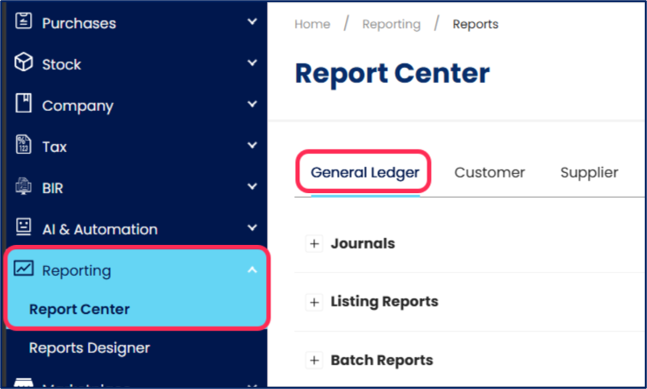
In the navigation pane, go to Reporting > Report Center. Select the General Ledger tab.
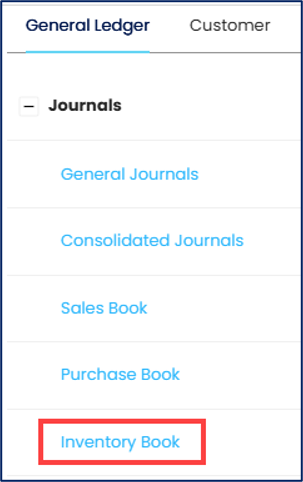
Expand Journals, then click Inventory Book to open the report.
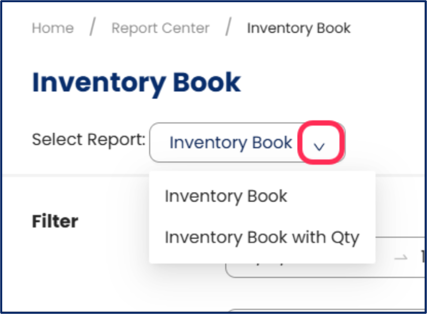
Under Select Report, choose the applicable report format.
Inventory Book - Display inventory records without a QTY column.
Inventory Book with Qty - Include a QTY column showing the quantity for each stock item.
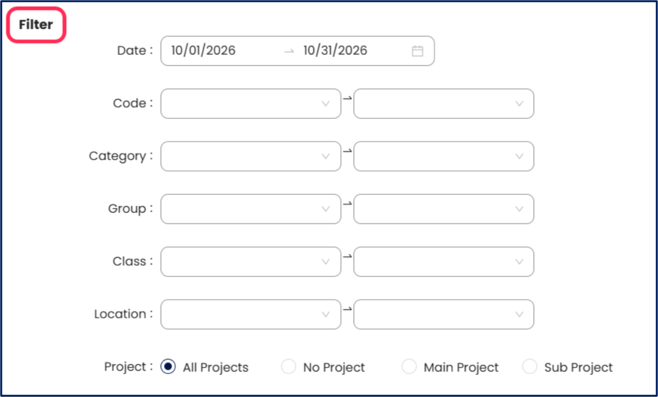
Under Filter, specify the applicable report filters.
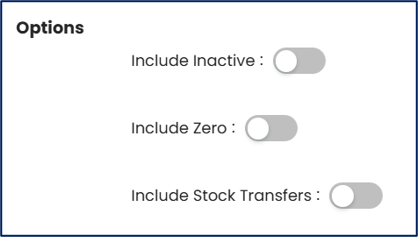
Under Options, configure the following settings according to the records you want to include:
Include Inactive – Enable this option if you want to include inactive stock items.
Include Zero – Enable this option if you want to include stock items with zero quantities.
Include Stock Transfers – Enable this option if you want to include stock transfer records.
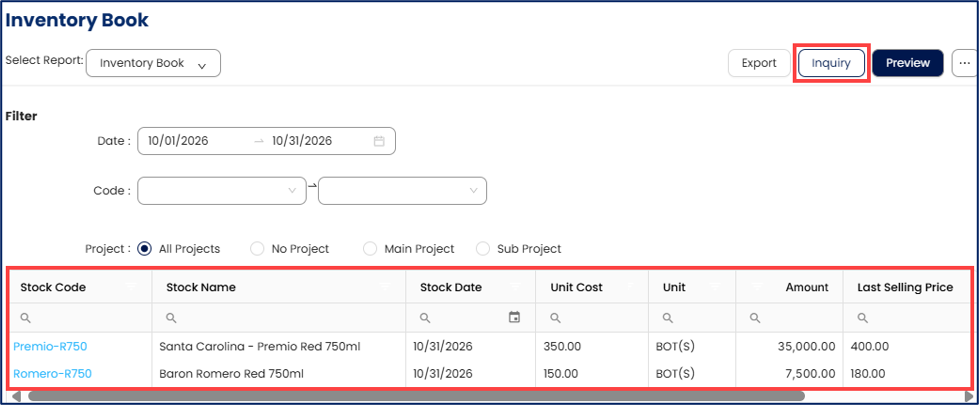
Click Inquiry to display the inventory details in the table at the bottom of the screen. Review the displayed records and verify the relevant inventory information.
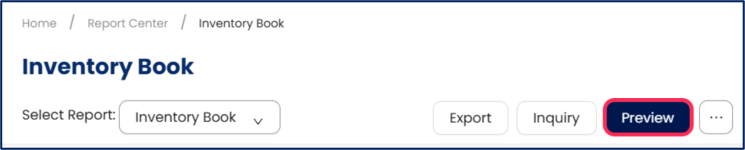
Click Preview to generate a preview of the Inventory Book report using the selected report format, filters, and options.
Review the generated report to verify that it contains the inventory information required for your reporting purpose.

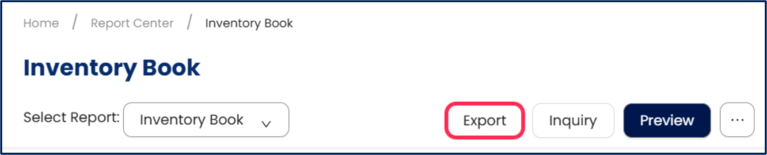
Click Export to export the Inventory Book report as a TXT file for BIR submission, where applicable, or for external use and recordkeeping.
Application:
Inventory Book Recordkeeping: Generate and review inventory records for the applicable accounting period as part of the business's books of accounts.
Inventory Transaction Verification: Review inventory transactions, stock movements, and reported unit costs to help verify the accuracy of inventory accounting records.
Books of Accounts Review: Review the generated Inventory Book as part of maintaining and checking the business's accounting records.
BIR Submission: Export the Inventory Book to a TXT file for BIR submission, where applicable, subject to the requirements for the business's BIR-registered Computerized Accounting System (CAS) or Computerized Books of Accounts (CBA), as applicable.
System Scope: QNE AI Cloud Accounting / N3 AI Accounting
Was this article helpful?
That’s Great!
Thank you for your feedback
Sorry! We couldn't be helpful
Thank you for your feedback
Feedback sent
We appreciate your effort and will try to fix the article