Overview:
Some of the companies have their Customers as their Suppliers as well. In this case, there will be instances that they can report them in both of their SLS and SLP. With this, BIR Info in the system must be maintained for both Customers and Suppliers.
In N3 AI Accounting, the BIR Classification that has been added to the TIN Library should be enabled for both Customers and Suppliers in order to tag it.
Scenario:
Enabling Customer BIR Info under TIN Library for Supplier as well.
Procedure:
1. Go to BIR > TIN Library.
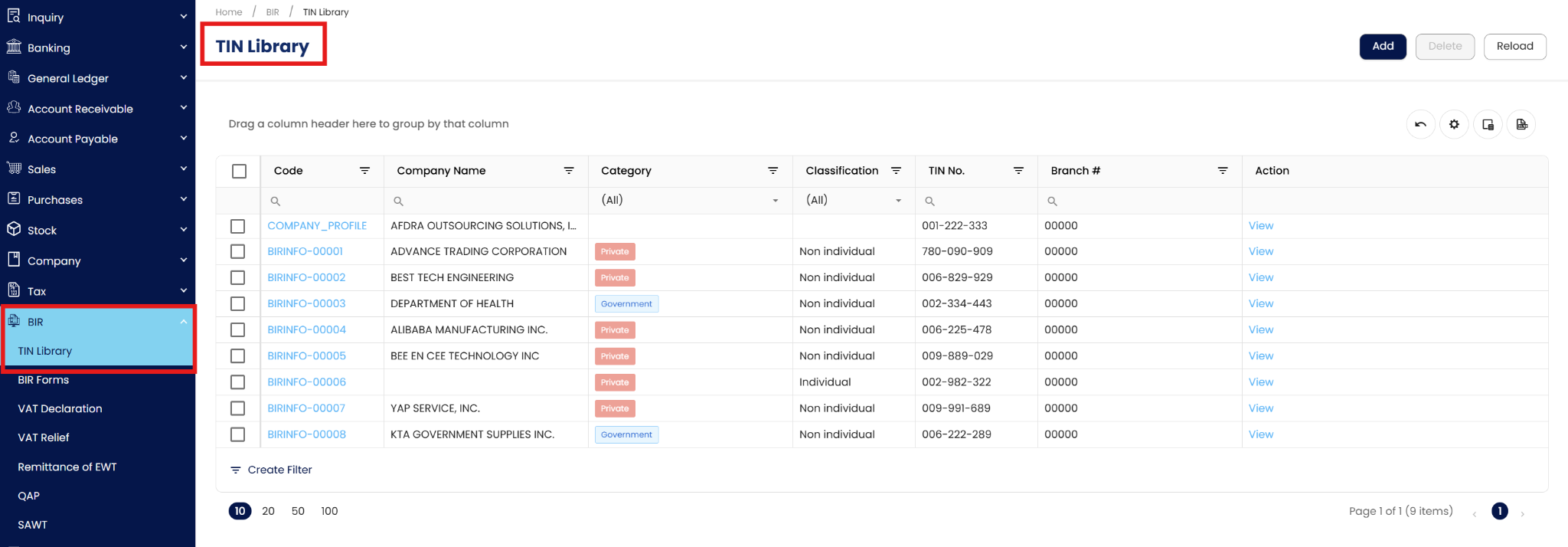
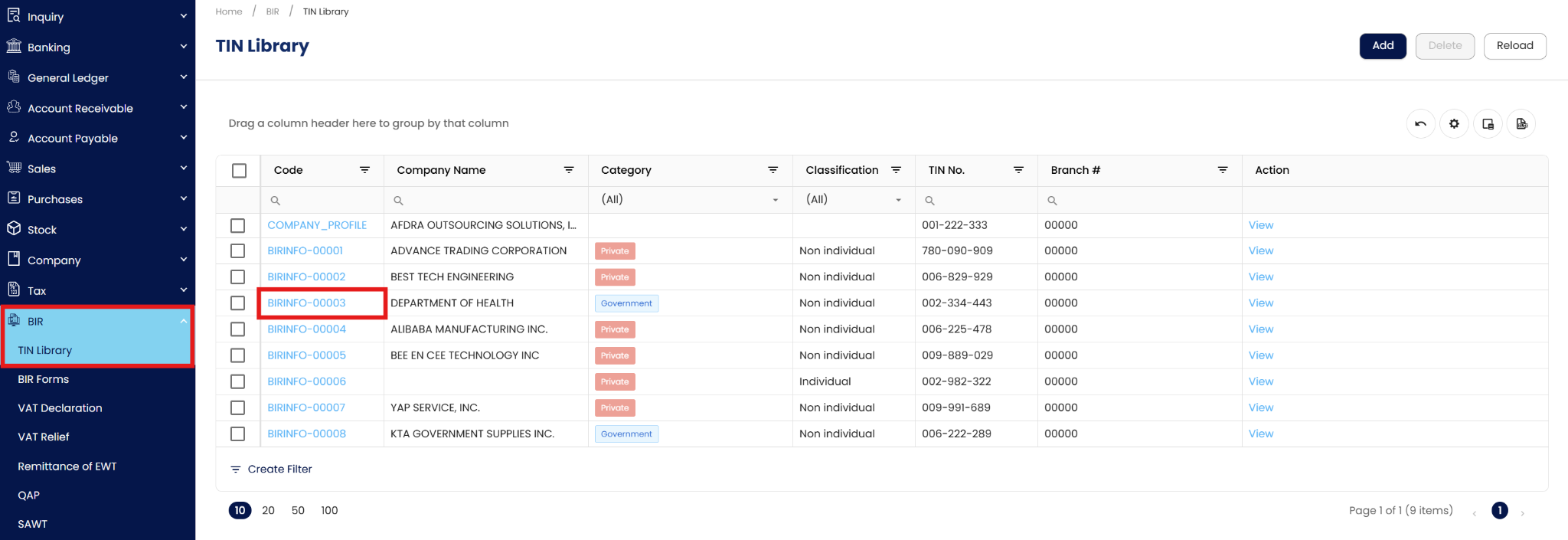
2. Click the link of an existing BIR Info to edit the Toggle.

3. Click the Toggle: Supplier. Once done, click ‘Save’.

4. The BIR Info will now be available for both Supplier and Customer.

Maintenance: Edit and Deletion
Editing TIN Library Entries
To update an entry, navigate to BIR > TIN Library and select the specific record.
You may modify the TIN, Address, or the Customer/Supplier toggles.
Click Save. Note that changes to the TIN or Branch Code will reflect on all reports associated with this entry.


Deleting a TIN Library Entry
To remove an entry, select it from the list and click the Delete icon.

Restriction: Deletion is prohibited if the TIN entry is currently tagged to an active Customer or Supplier, or if it has been used in previously generated BIR Reports.
Application:
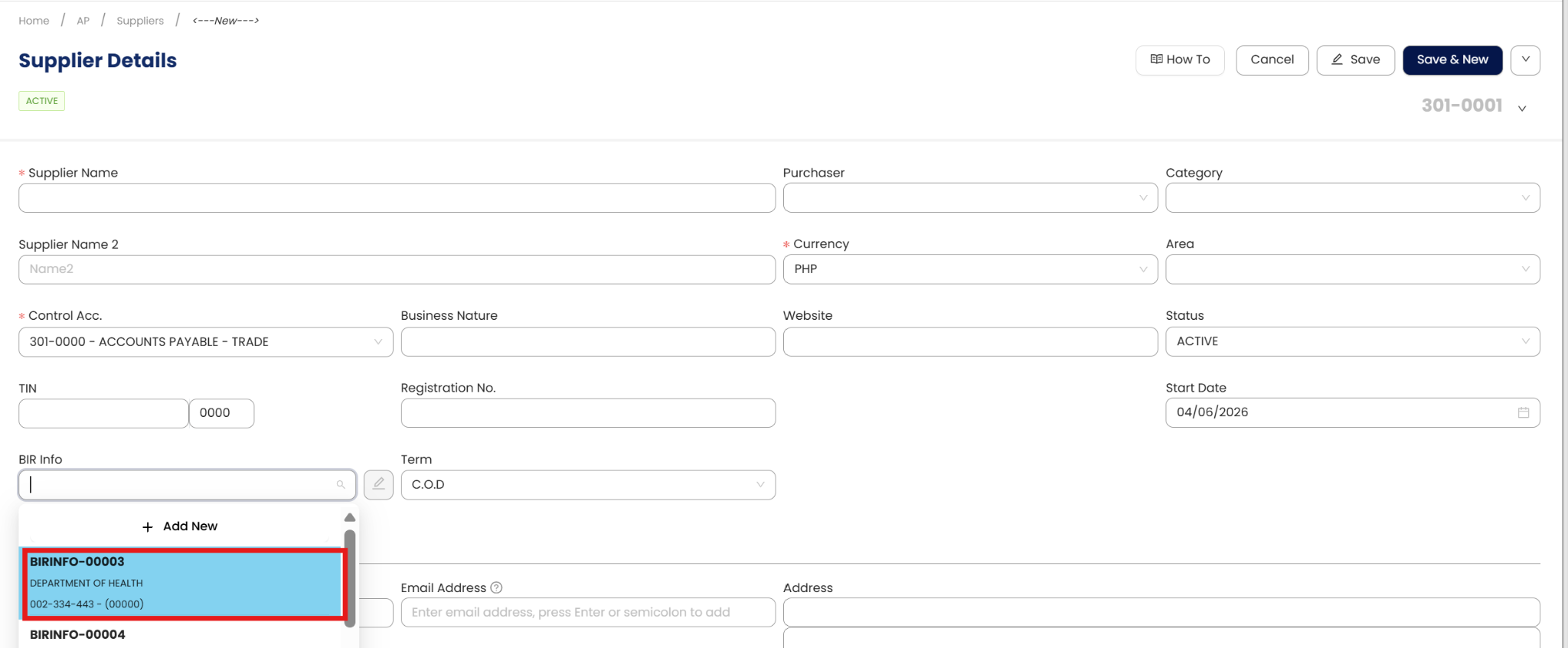
Create Supplier then select the BIR Info that has been updated.
Important Note:
Editing and Deleting Transactions: According to regulatory guidelines, modifications or deletions of recorded transactions in the system may be strictly prohibited once Computerized Accounting System (CAS) approved. It's vital to adhere to your company's internal policy regarding these functionalities. It is generally advisable to disable or limit the ability to edit/delete to maintain compliance with regulations.
System Scope: QNE AI Cloud Accounting / N3 AI Accounting
Was this article helpful?
That’s Great!
Thank you for your feedback
Sorry! We couldn't be helpful
Thank you for your feedback
Feedback sent
We appreciate your effort and will try to fix the article